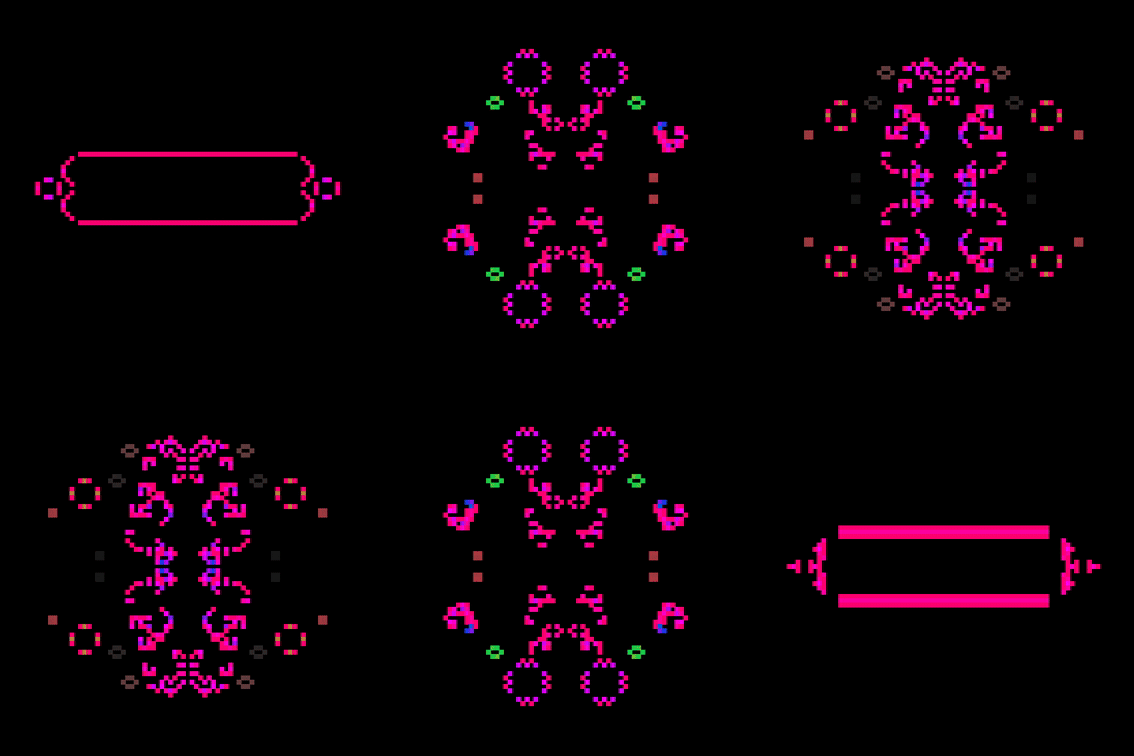
paint by π + The "Game of Life" cellular automaton.
On-Screen Menu (bottom-right corner)
Tap / click the UI buttons in the lower-right corner to open the control wheel. Buttons navigate levels and adjust parameters:
- light — toggles dark / light visualization
- speed — changes simulation speed (frame buffer)
- color — cycles color engine (ink / sakura / rainbow)
- canvas — cycles canvas style (clear / fade / paint)
- reset — clears canvas and starts a new algorithm pattern
- joystick — show or hide joystick controller (check it out)
UI appears only if ui=1 or the user hasn't hidden it,
and can be toggled at any time with keyboard \.
Keyboard Controls
Painting & Evolution
SPACE — Pause / Play simulationR — Reset / restart simulation
Visual / Display
F — Fade trail toggleD — Clear canvas toggleL — Light / Dark modeJ — Show / hide joystickC — Cycle color modesQ — Cursor stroke toggleB — Cursor Brush SizeZ — Kill all cells\ — Show / Hide UI menu
Speed
, — Increase Animation Speed. — Decrease Animation Speed
Feedback
↑ ↓ ← → — Offset simulation borderShift — Turn feedback scrolling on/off/ Reset feedback velocity
Debugging
S — Log full settings to consoleURL “Modes” — Presets that can apply multiple settings at once
The mode parameter can include multiple space-separated modes
and they are applied in order:
?mode=penandpaper colordrop
Available modes:
Color / Theme Modes
- penandpaper / pnp — White background, no UI, light mode, no fade
- ink — Standard ink colors
- apollo — high contrast b/w
- prism — Full rainbow spectrum colors
- sakura / cb — Soft blossom palette
- cherryblossom — Pink background, blossom colors, light mode, no UI
- colordrop / cd — Random pastel background each start
- dark — Dark mode on
- light — Light mode on
Cell Size / Brush Size
- tiny — Very small cells, fine brush
- small — Small cells, small brush
- med — Medium cells, medium brush
- large — Large cells, big brush
Speed / Frame Buffer
- vvslow — Very very slow
- vslow — Very slow
- slow — Slow
- slowfast — Medium-slow
- fastslow — Medium-fast
- fast — Fast
- vfast — Very fast
- vvfast — Extremely fast
Random Cell Excitment
- ran — Some randomness
- vran — High randomness
- vvran — Extreme randomness
Initialization Algorithm
- ranalg — Select random algorithm
- 1–5 — Directly select algorithm number 1–5
UI / Controls
- ui — Show UI
- noui — Hide UI
- menu — Show menu
- nomenu — Hide menu
Clear / Fade / Cursor
- clear — Clear canvas every frame
- noclear — Disable clearing canvas
- fade — Fade effect on
- nofade — Fade effect off
- nostroke — No cursor stroke
- nocursor — Cursor hidden
Brush Tips
- finetip / ftip — Small brush tip
- medtip / mtip — Medium brush tip
- bigtip / btip — Large brush tip
Playback
- pause / paused — Pause simulation
- play / unpause — Resume simulation
URL “Direct Control” — Modify engine values manually
Append parameters to the URL:
?alg=4&color=2&fade=1&scale=6&ran=8&ranwait=600
alg | Starting algorithm (0–5) |
color | 0 ink · 1 sakura · 2 rainbow |
fade | 1 fade trail · 0 static |
clear | Remove background each update |
scale | Cell size |
ran | Random seed drops per cycle |
ranwait | Random seed frequency (frames) |
buff | Frame buffer (simulation speed) |
ui | 1 show menu · 0 hide menu |
light | 1 light mode · 0 dark mode |
cl | Cursor line trail on/off |
bs | Brush size |
Example:
/paint?mode=sakura&buff=1&cl=1&bs=14&alg=0&fade=0